
3D rendering revisions: what changes cost in pre-construction
Understand which revisions are included, which cost extra, and how to minimize back-and-forth on pre-construction renderings.
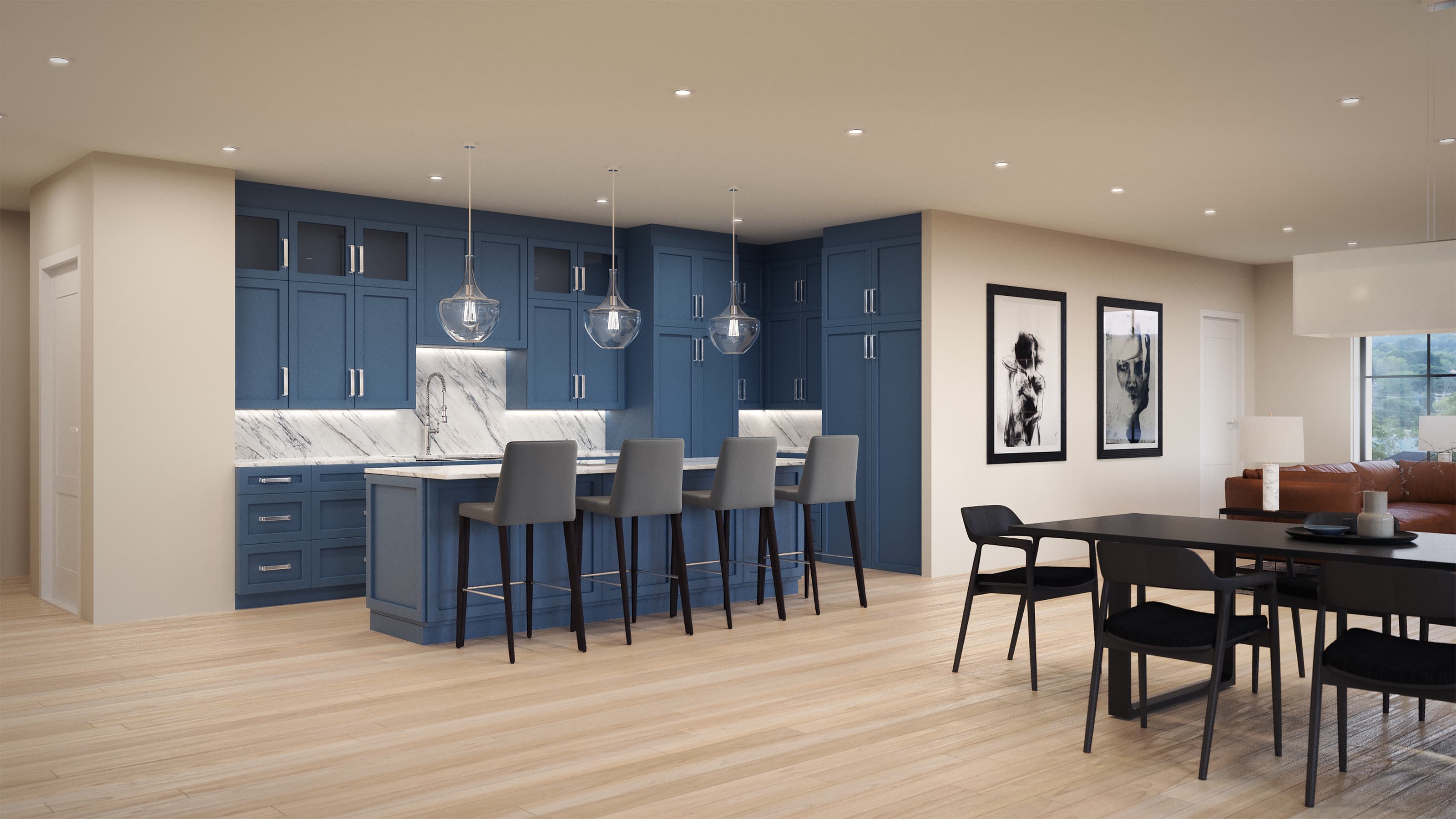
Pre-construction renderings are expensive. A photoreal 3D render can cost $2,000 to $8,000 depending on complexity, angle count, and detail level. Revisions push that cost higher. Knowing what's baked into your initial fee and what triggers change orders saves time and money.
What's Usually Included
Most rendering firms build a revision round into their base price. One revision typically means one meaningful round of feedback. That covers:
- Adjusting finishes (paint color, flooring material, countertop texture).
- Reframing or repositioning the camera angle slightly.
- Swapping furniture or decor elements.
- Tweaking lighting intensity.
- Adding or removing minor landscape elements (trees, shrubs, planters).
Think of it as one solid pass at your feedback. You send notes, they apply them, you get one updated render.
What Costs Extra
Once you move beyond that first revision, most studios bill hourly or per-revision. Changes that trigger additional fees include:
- Structural changes. Moving walls, adding/removing windows, changing roof pitch, or altering the building's footprint. These require rebuilding the 3D model, not just adjusting surface properties.
- Major material swaps. Changing brick to stone cladding on the entire facade, or swapping a metal roof for clay tile, often means re-texturing and re-rendering from scratch.
- Landscape redesign. If you want a completely different hardscape layout, new plantings across the site, or a regraded parking area, that's model work.
- Multiple angle requests. Most quotes include a specific number of viewpoints. Additional angles (say, a fourth or fifth perspective) are billed separately.
- Time delays. If you provide revision feedback weeks after the initial delivery, expect a setup fee when the studio has to reload and re-render your project.
How to Keep Revisions Tight
Start with clear direction. Before the first render is made, share your vision: approved architectural drawings, a mood board, finish selections, and the exact viewpoints you want rendered. The more locked-in your design is before rendering begins, the fewer revisions you'll need.
Batch your feedback. If you spot three things you want changed, send them in one note rather than three separate requests. This keeps the revision process to one round instead of multiple passes.
Get stakeholder buy-in early. If your developer, architect, and marketing team need to sign off, get them aligned before the render comes back. A revision because your boss's boss wants a different sky color is avoidable friction.
The Difference Between Revision and Mulligan
A revision is a refinement to an already-delivered render. A mulligan is starting over. If you decide halfway through that you want a completely different building material, a different camera angle, or you've re-drawn the site plan, you're not revising the render. You're creating a new one. That's a new project with a new fee.
Most studios will clarify this upfront. Check your contract. If it says "one revision round included," make sure you understand what that round covers and what happens if you need more.
Real Budgeting for Pre-Construction
If you're budgeting for renderings, plan for the base fee plus 15-25% for revisions. That cushion covers the feedback loop without assuming your design is locked solid (it rarely is). If your design is mature and your team is aligned, you may spend nothing on revisions. If you're still deciding between two different roof materials or debating siding colors, you'll likely use that buffer.
For multi-phase projects or developments with multiple angles and building options, some studios offer tiered rendering packages that bundle a certain number of revisions upfront. That can be more cost-effective than paying per-revision on a series of one-off renders.
Flylisted's approach to photoreal 3D renderings is built around your timeline and iteration needs. We work with architects and developers on pre-construction marketing daily, so we understand where revisions add value and where they're scope creep.
Review our rendering pricing and packages to see what's included and how revisions are structured for your project type.