
Matterport tours for multi-family: show 100+ units remotely
Virtual tours let prospects explore every unit type and common area before visiting. How Matterport scales showings for multi-family developments.
The leasing bottleneck
Multi-family showings are time sinks. A prospect calls. You block an hour. You walk four units. They ask about the gym twice. They forget the floor plan. You do it again tomorrow with the next person.
Matterport 3D virtual tours break this cycle. Prospects tour unit types, common areas, and amenities on their own schedule. You spend face time only on people ready to lease.
What Matterport does for developers and operators
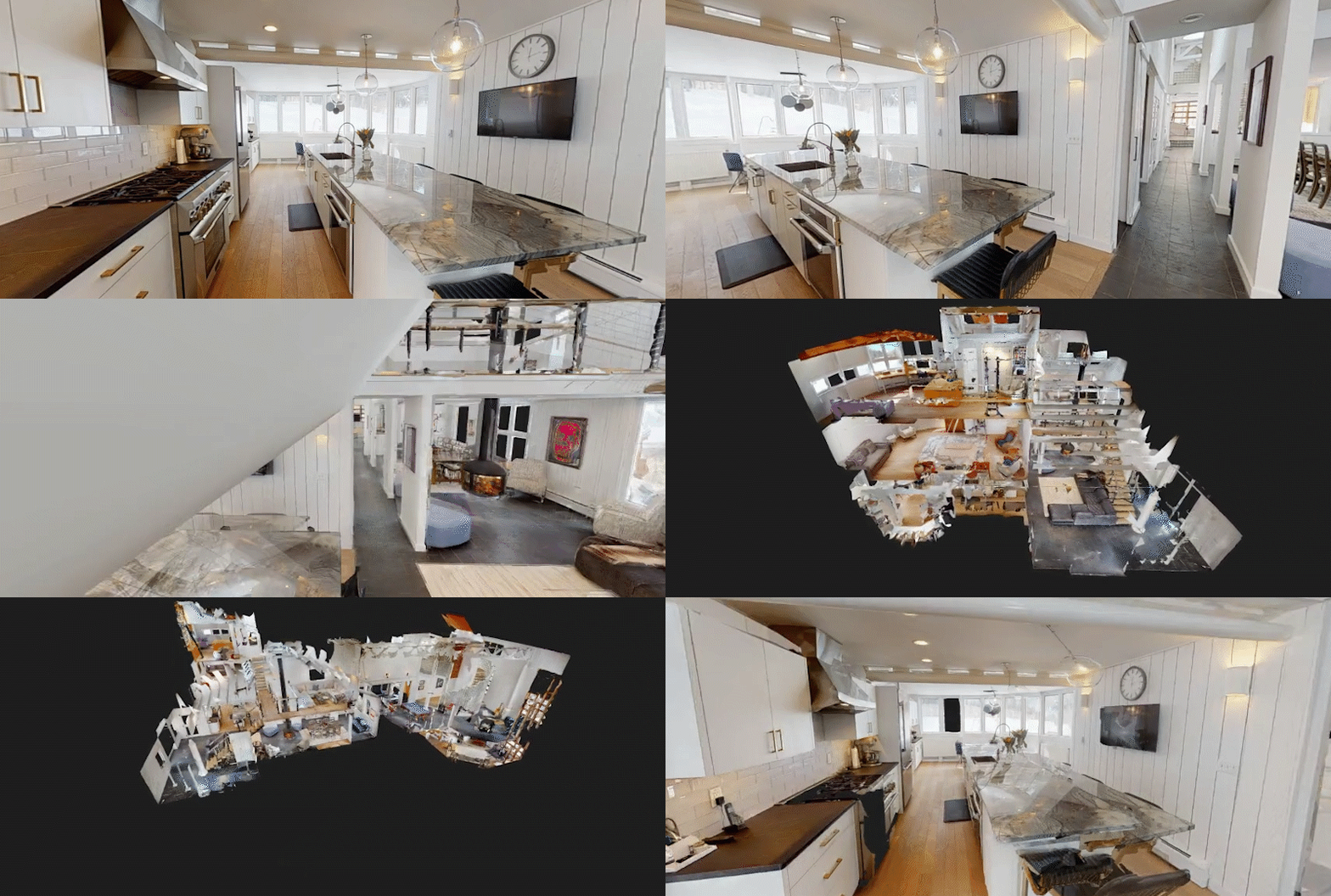
A Matterport scan captures every room in a property in full 3D. Visitors navigate with a mouse, touchpad, or mobile device. They zoom in on countertops. They measure doorways from home. They revisit a closet three times without asking your leasing agent.
For properties with 50, 100, or 200 units, this is the difference between a prospect touring two identical units in person and seeing the actual unit types mapped at scale.
Common areas matter too. Pool. Fitness center. Co-working. Rooftop. A single Matterport tour shows them all without a guided walkthrough.
Remote qualification happens fast
Your leasing team knows which prospects are serious. They've watched the virtual tour. They've zoomed the kitchen. They've checked the bathroom layout. When they call or email, they already know what they want.
Prior showings relied on photos and floor plans. Matterport is the in-between: it's interactive without consuming an hour of your time.
Prospects in other cities, traveling for work, or narrowing options on a weekend all use the tour before ever scheduling a visit. Those who don't engage with it? You save the hour.
Leasing velocity and occupancy
More informed prospects move faster through the decision. They've eliminated units that don't fit them. They've confirmed location comfort. When they arrive for a showing, they're there to lease.
This also works for multi-property portfolios. A prospect knows three of your buildings. They tour all three on Matterport, then request a showing at one. That's efficiency.
When to scan your property
Best timing is after construction punch-out or when lease-up is underway. Scan model units and one or two actual lease-ready units so prospects see real finishes. Use Matterport for common areas at any point: occupied buildings still benefit from virtual tours of the pool deck, lobby, and fitness center.
For phased developments, scan as each phase completes. A prospect touring Phase 1 can preview Phase 2 amenities coming online.
How it integrates with your leasing process
Embed the tour on your website. Link it in leasing emails. Drop it in text to prospects. The tour becomes part of your front-end filter, not a replacement for showings.
Combine Matterport with monthly social content, renderings of amenities under construction, or photography updates. Video walkthroughs work alongside the 3D scan: the tour lets people explore, video tells the story.
Technical accuracy and updates
Matterport tours are static. Once scanned, they don't change until you rescan. If you're in active lease-up, you may need a refresh every few months to reflect new finishes, landscaping, or amenity completions. Budget accordingly.
For stabilized properties (fully occupied or fully leased), a scan holds up for a year or more.
The real value
You're not eliminating showings. You're pre-qualifying and educating before the showing. The prospect who arrives has questions about lease terms, not whether they like the floor plan. Your team sells faster.
Flylisted captures Matterport scans across New England and South Florida. We shoot the models, the amenities, and the actual units to give leasing teams a complete virtual toolkit. See Matterport 3D tours and current availability.